Who can access this feature?

Super Users, Primary Users and Users with permission to Vendor Management module

Available on Accounts with subscription to Vendor Management module
1. Navigate to Vendor management > Vendor Profile
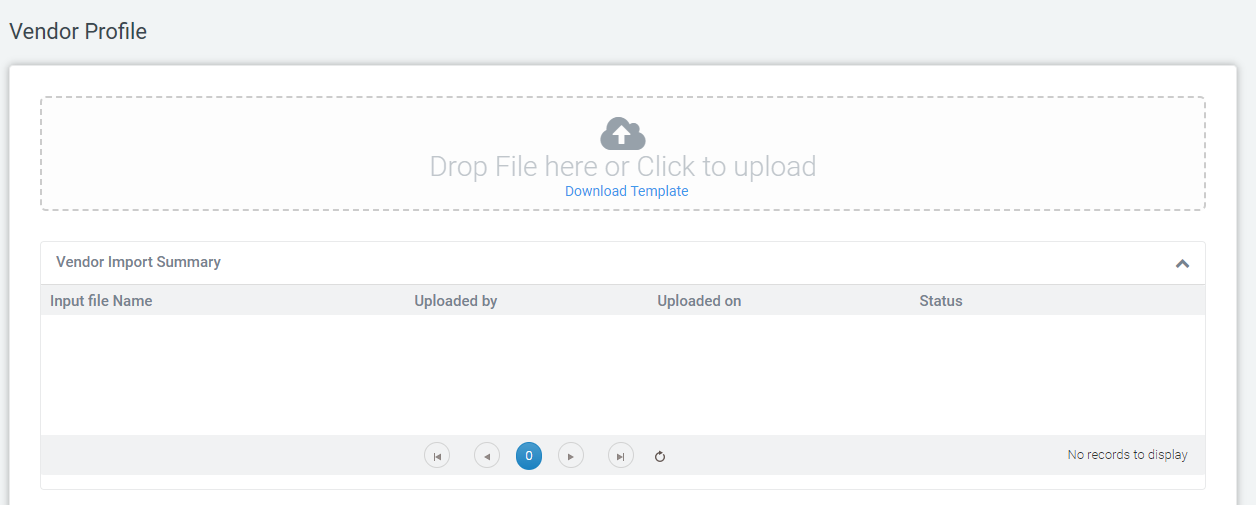
2. Download the sample template to upload the Vendor details in bulk. You can view the status in summary grid.
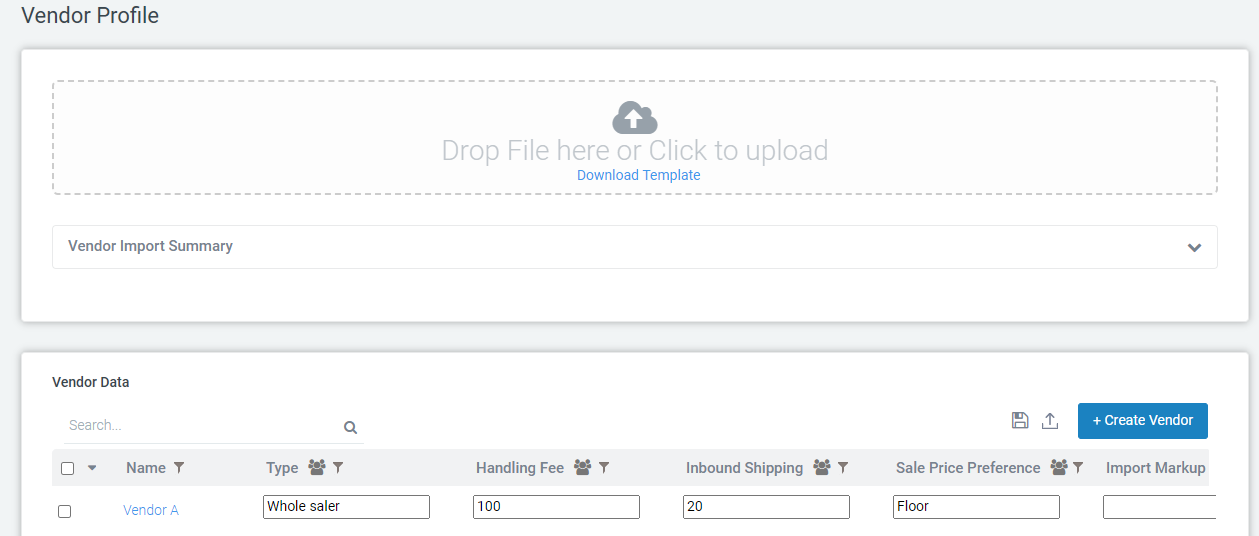
3. Click on the '+Create Vendor' button to create a Vendor and update details.
4. 'Vendor Name' should be added as an attribute in Attribute master and should be configured in Vendor Profile
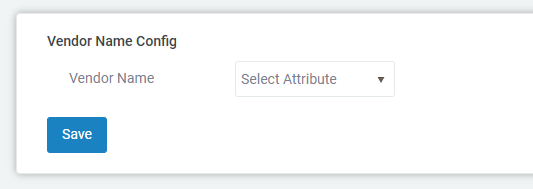
5. 'Vendor Name' is mandatory field while saving vendor details.
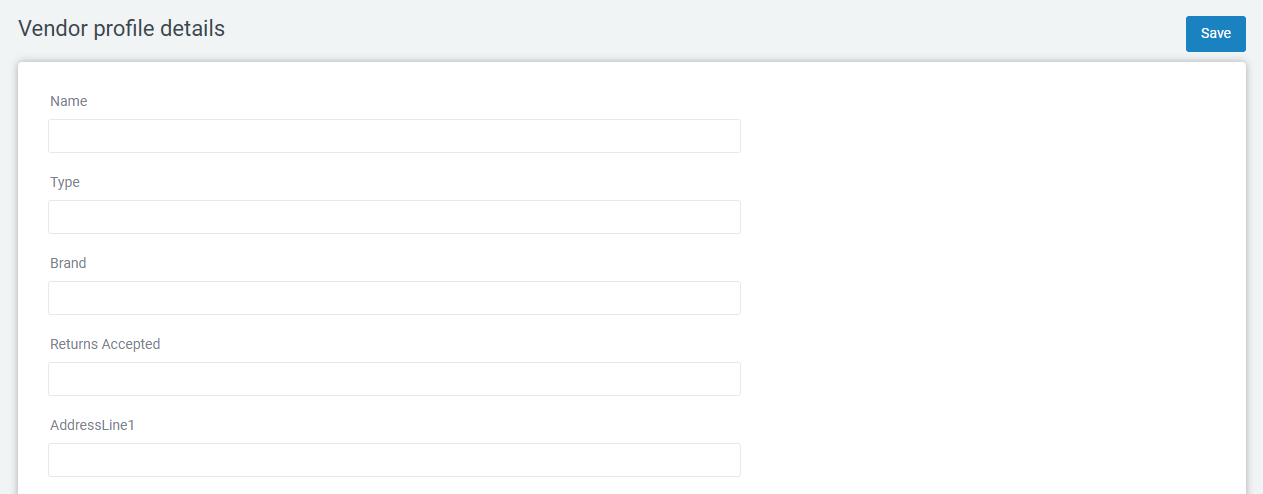
6. Update the vendor details and click 'Save' to save the vendor information
7. You can edit the vendor details in Vendor list page also and also can make a vendor user as active/inactive by clicking on Active check box
Was this article helpful?
That’s Great!
Thank you for your feedback
Sorry! We couldn't be helpful
Thank you for your feedback
Feedback sent
We appreciate your effort and will try to fix the article